Animation Optimization Guide
Animation compression
Implementation
- 01
Animation compression
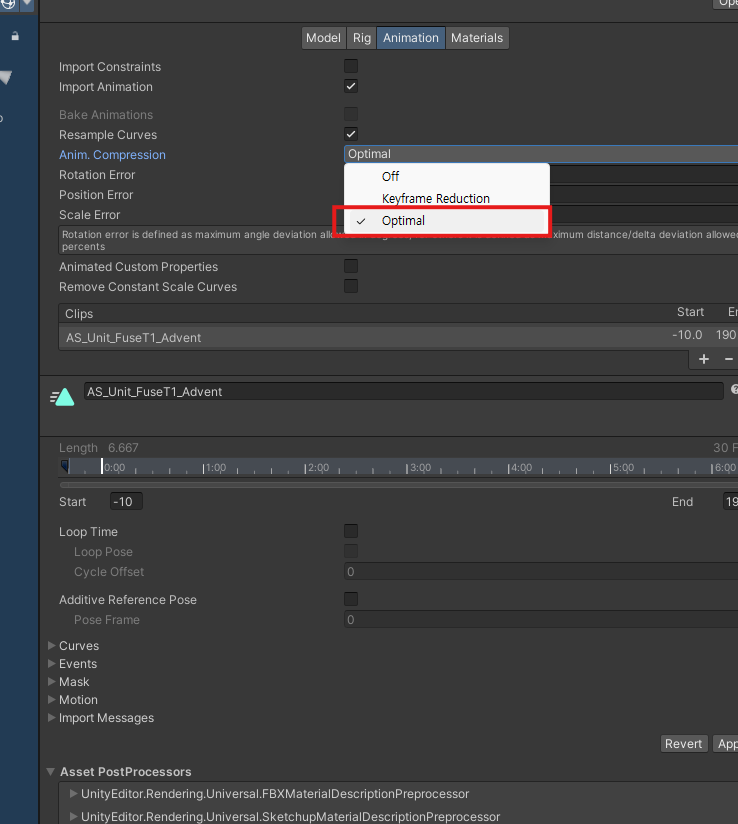
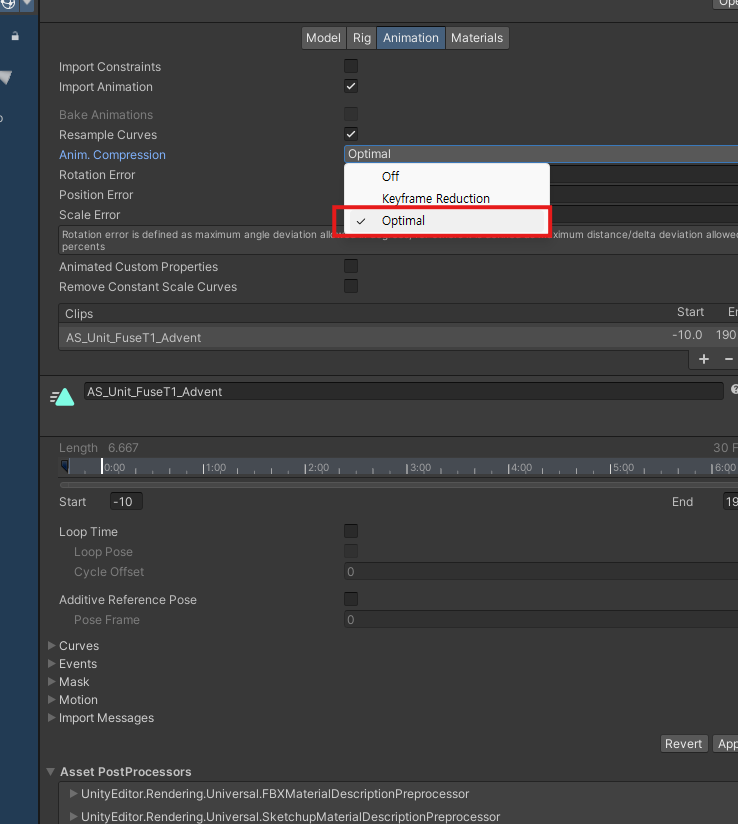
Run animation compression with Optimal.
- 02
Higher values can reduce keyframes further, so verify in-game and raise the value as much as possible to compress.
e.g. For rarely-used scale tracks, compress with a higher value.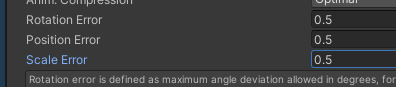

비교
Off = 1.5 MB
Keyframe Reduction = Rotation 0.5 / Positon 0.5 / Scale 0.5 = 244.7 KB
Optimal = Rotation 0.5 / Positon 0.5 / Scale 0.5 = 174.8 KB
Optimal = Rotation 0.5 / Positon 0.5 / Scale 2 = 173.7 KB




스킨웨이트
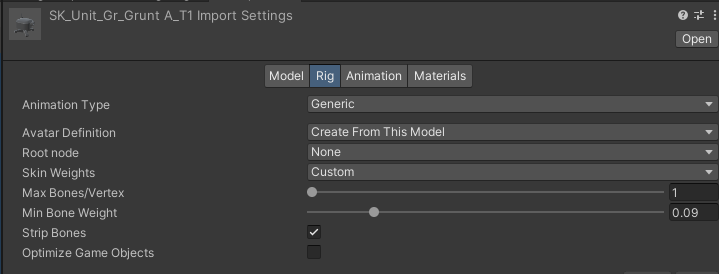
Unify skin weights to a single bone.
Remove values below 0.09. Check Optimize Game Objects after the work is complete. ( Previously, effects were controlled by animation keys in the effect, but the structure was changed, so when the work is complete on the animation side, the animator checks it. // When checked, animation keys are no longer visible. )