UI Rendering Structure Analysis
Analyzed the problem of content UI not used by MainTown / MainHud being loaded together, and split shared UI and content UI per Atlas to reduce the loading resource scope of the main screen.
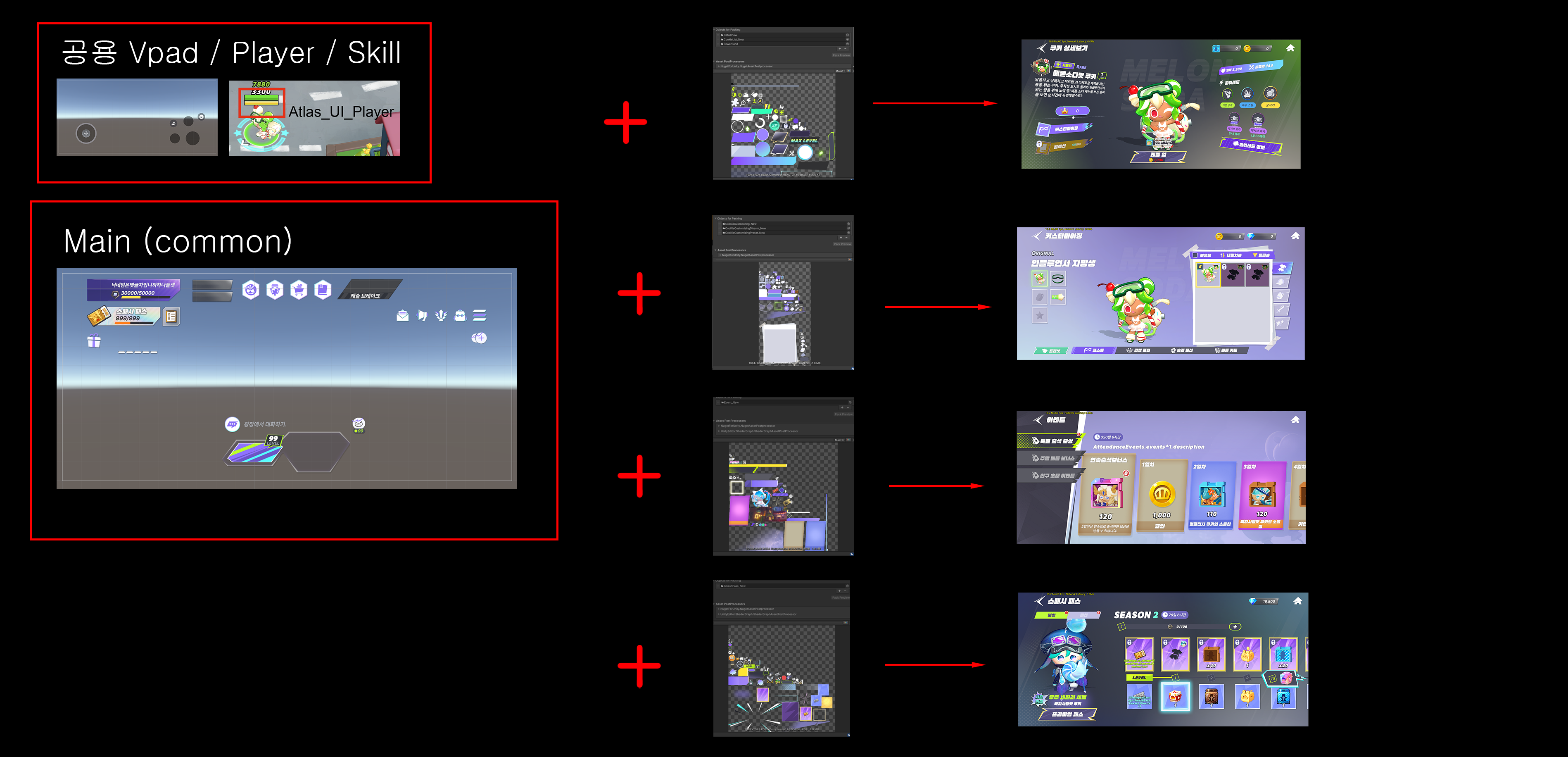
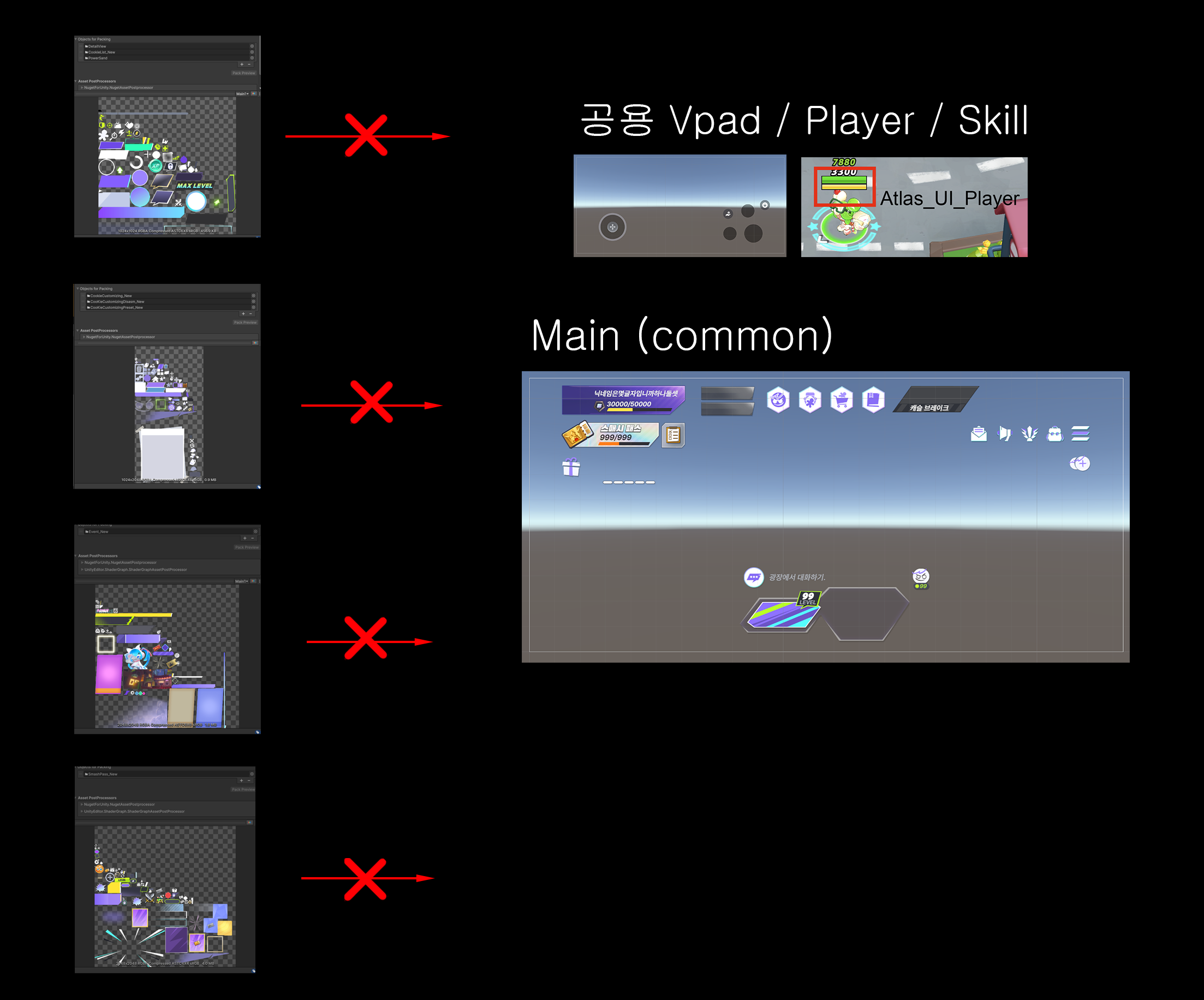
This pass separates UI always needed on the main screen from UI needed only by specific content. MainHud retains the basic UI, resources reused across screens are split into a shared Atlas, and UI used only in specific screens like Smash Pass / detail view / profile are organized into per-content Atlases. The goal is not to reduce the Atlas count at all costs, but to limit the UI texture footprint that the main screen always has to bear.
Problem
The existing UI Atlas grouped textures by folder, so UI resources not actually used on a given screen could be loaded together with MainTown / MainHud.
In particular, MainTown is a basic screen reached frequently after game entry, so as more content UI is added, the size and basic loading cost of the Main Atlas grow together.
Under this structure, UI used only by specific content could end up in memory at main-screen entry — so the Atlas usage scope needed to be reorganized.
Implementation
- 01
Atlas composition
Lobby Atlas composition#
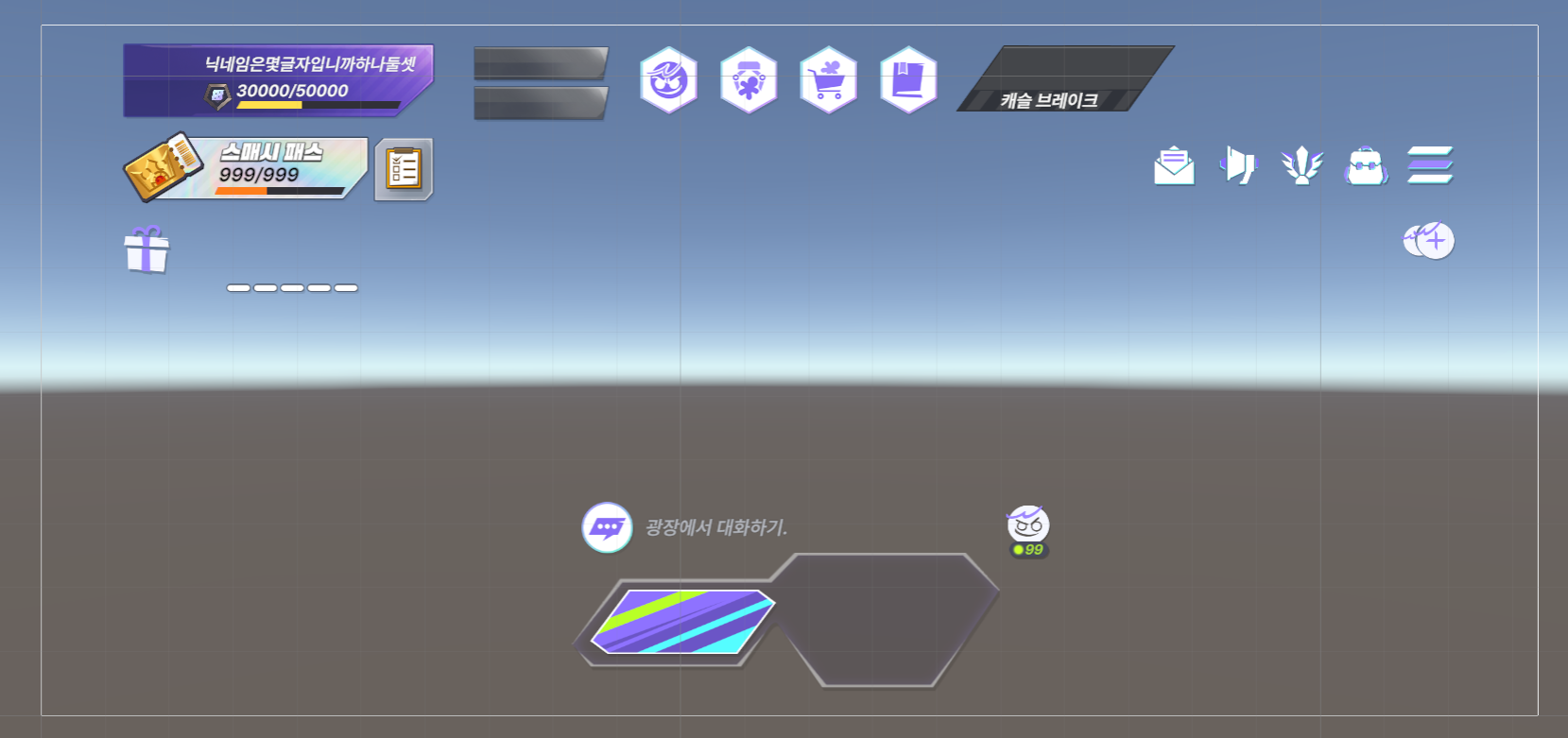
MainHud-based reorganization#
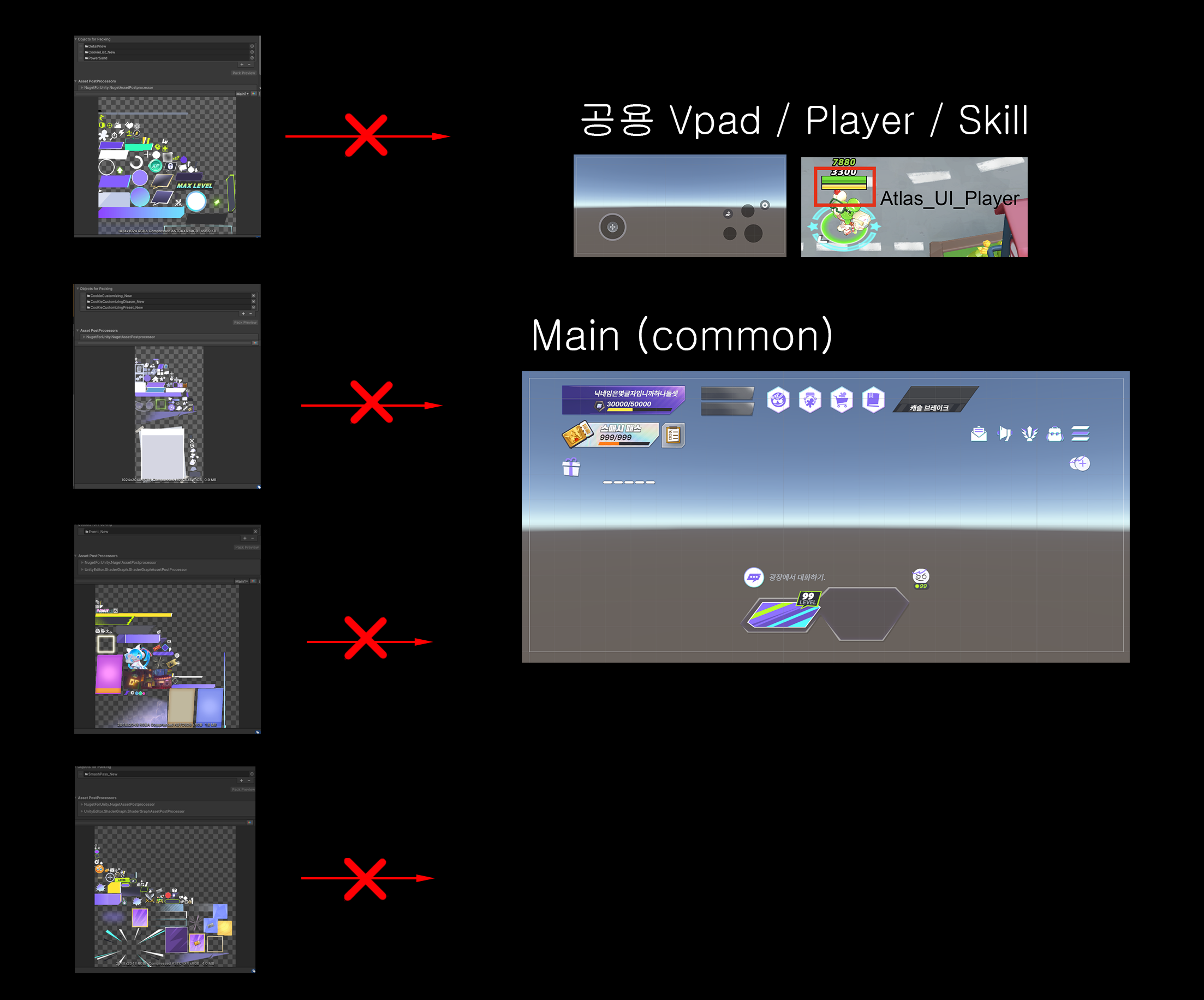
First, the Atlas scope was redefined based on the UI resources always needed in MainTown / MainHud.
Kept only the UI always visible on the main screen inside MainHud, and excluded resources used only by specific content from the MainHud Atlas.
This reduces the structure where unnecessary content UI gets loaded together at MainTown entry.
- 02
TownMain-based
Per-content Atlas composition#
UI needed only on specific screens — Smash Pass, detail view, profile — was separated from MainTown / MainHud and organized into per-content Atlases.
This way, at main-screen entry only MainHud and the shared Atlas are loaded, and content UI is only loaded when that screen is entered, as needed.
As a result, the Main Atlas does not keep growing every time new content is added.
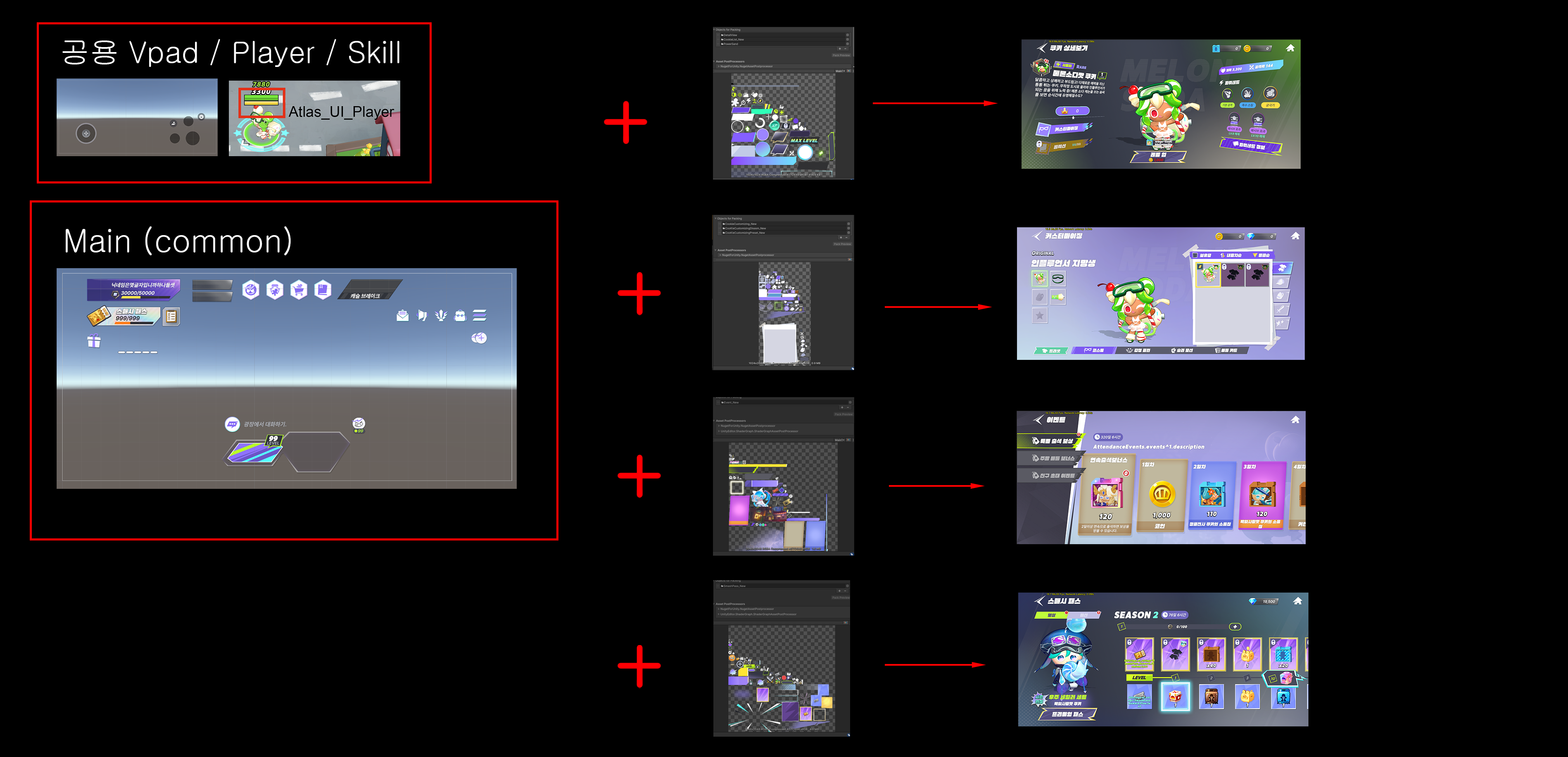
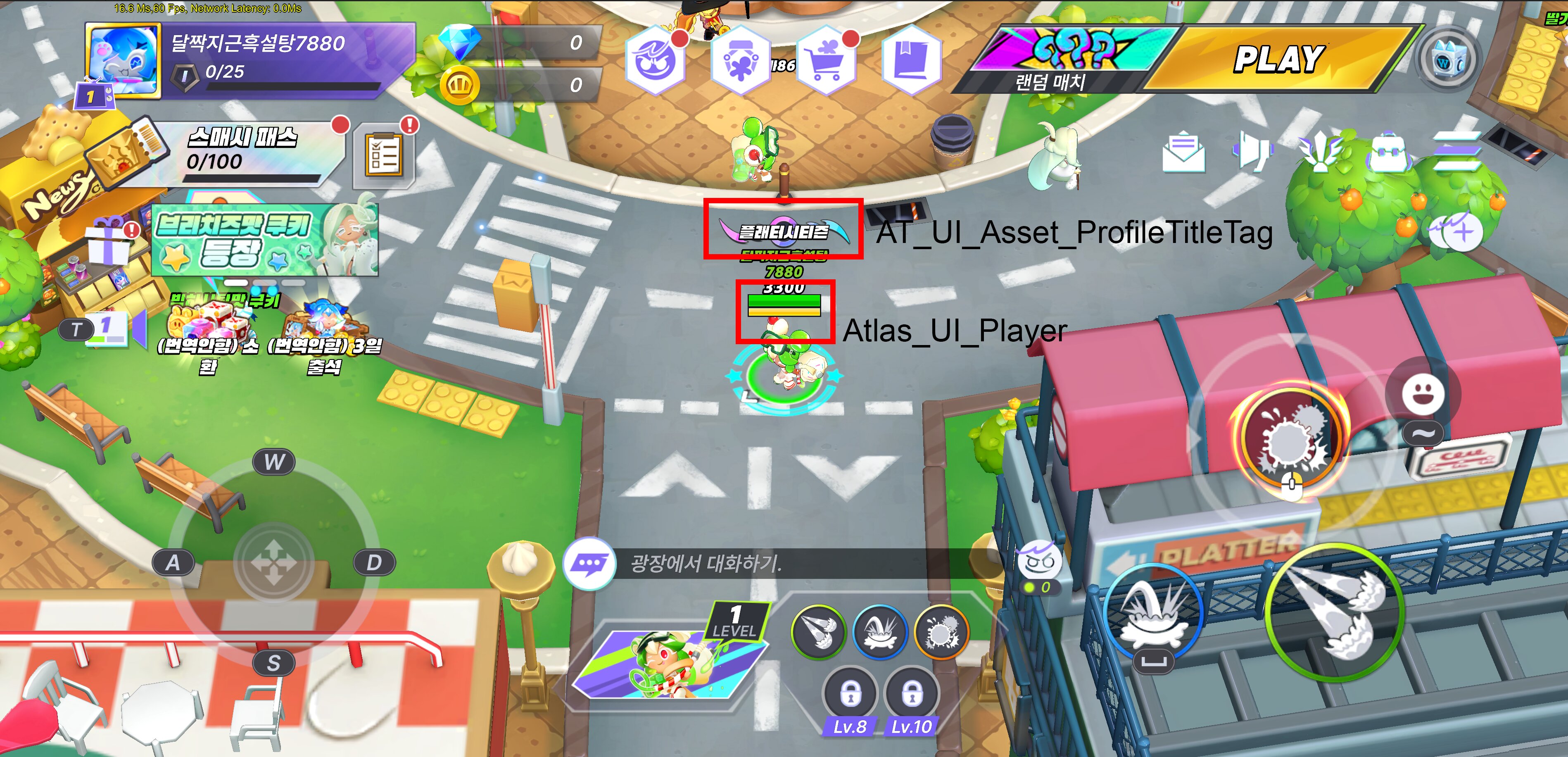
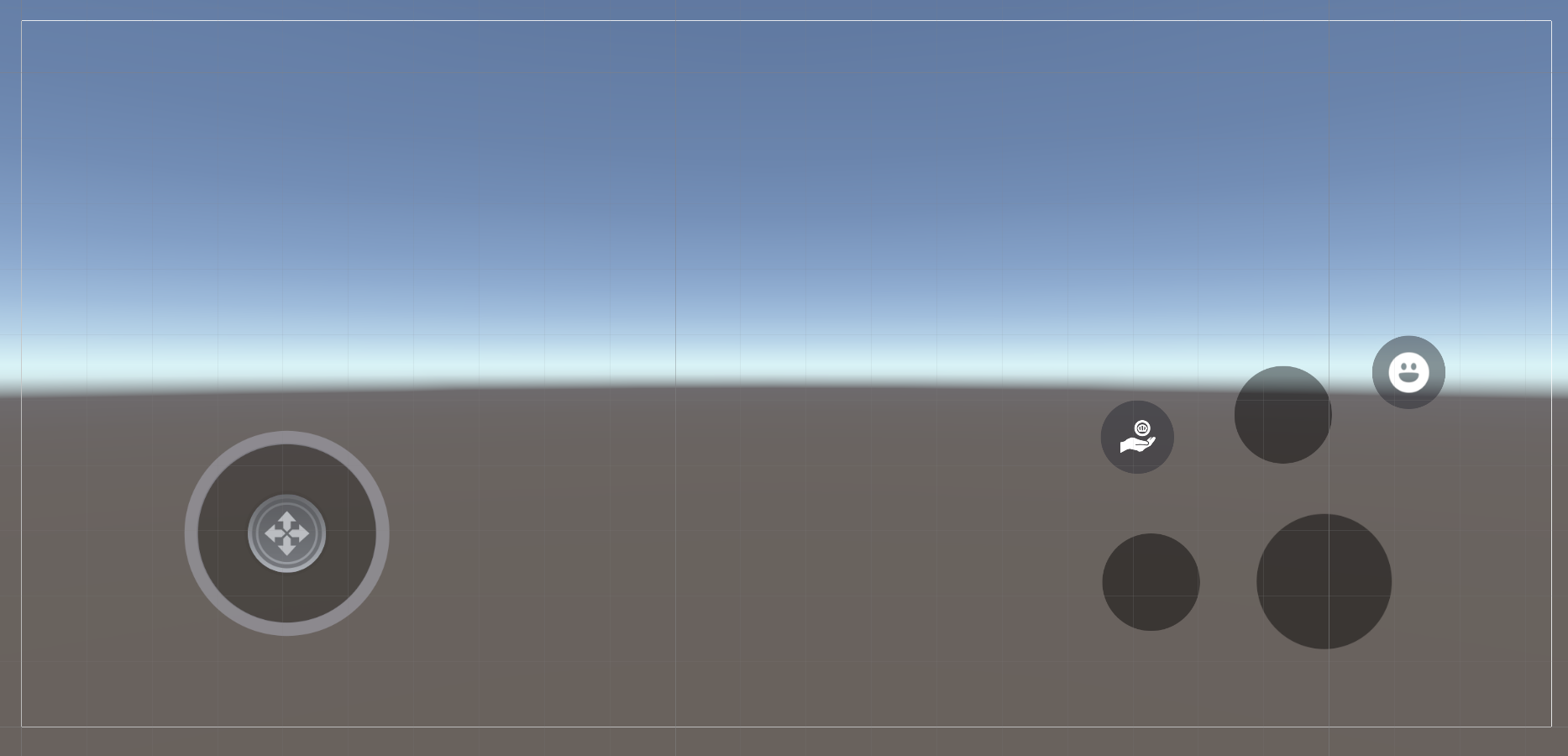
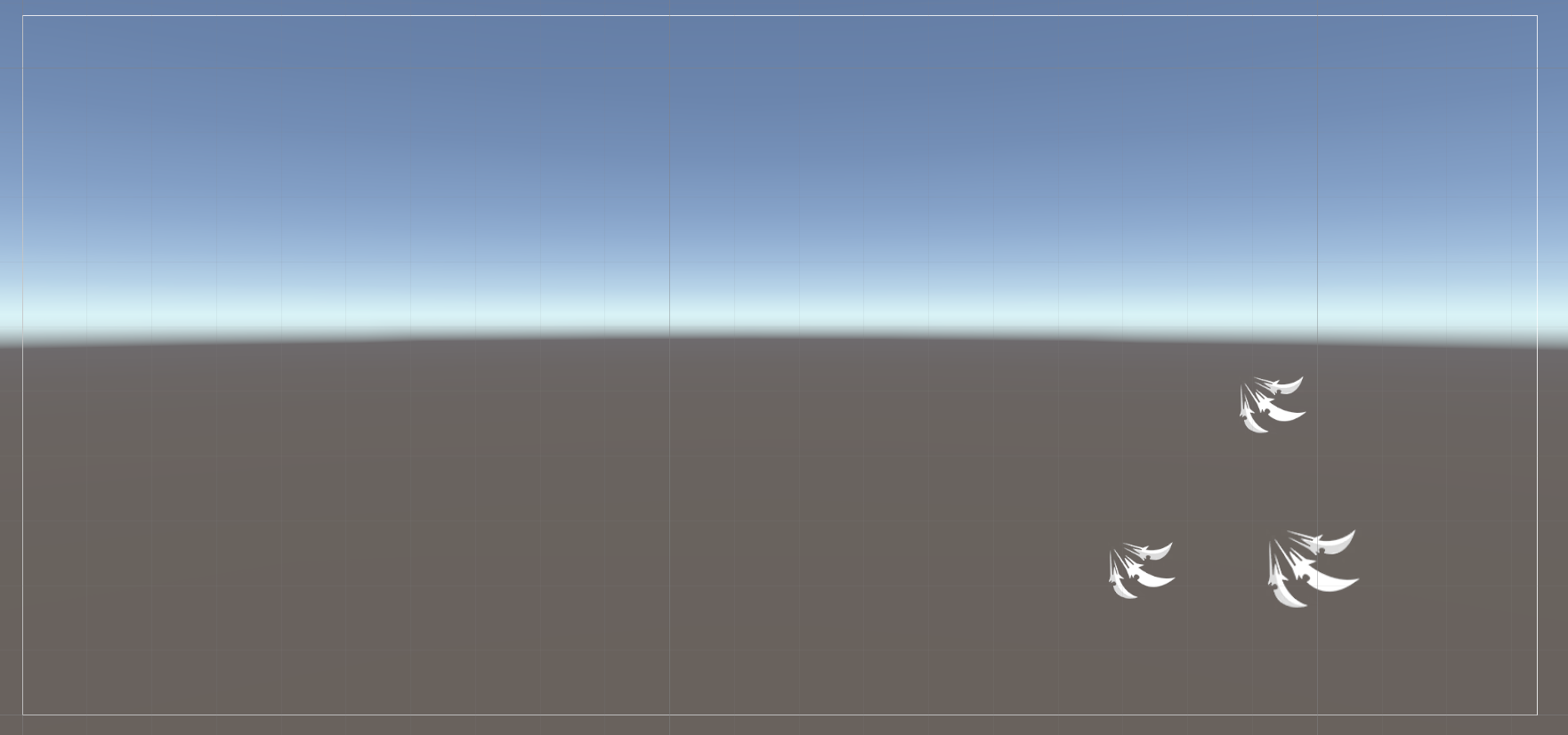
공용 ( Vpad, Player, Skill )
Player / Vpad / Icon_Skill
Separated by in-game / out-game shared use and by rebuild unit.
로비
MainHud-based reorganization#
Atlas town screen loaded 14 atlases (14× 2048) → after split (2× 2048)
Conclusion
Separated UI Atlases by MainHud / shared UI / content UI, reducing the structure where unrelated UI textures get loaded together on the main screen.
- MainTown / MainHud keeps only the basic UI
- UI reused across screens → shared Atlas
- UI only needed by specific content → per-content Atlas
- Mitigated the structure where content UI growth directly inflates the Main Atlas size
This wasn't just splitting Atlases — it was reorganizing the Atlas structure based on UI resource usage scope and load timing.