UI Optimization Guide
UI Canvas Rebuild Optimization Guide
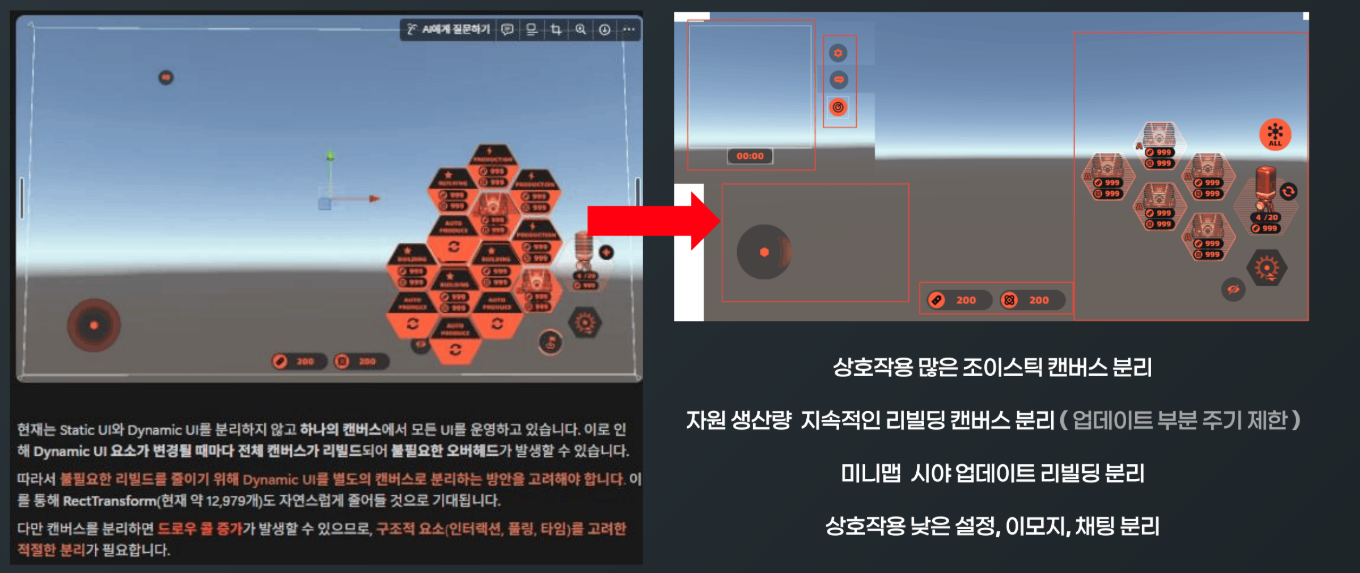
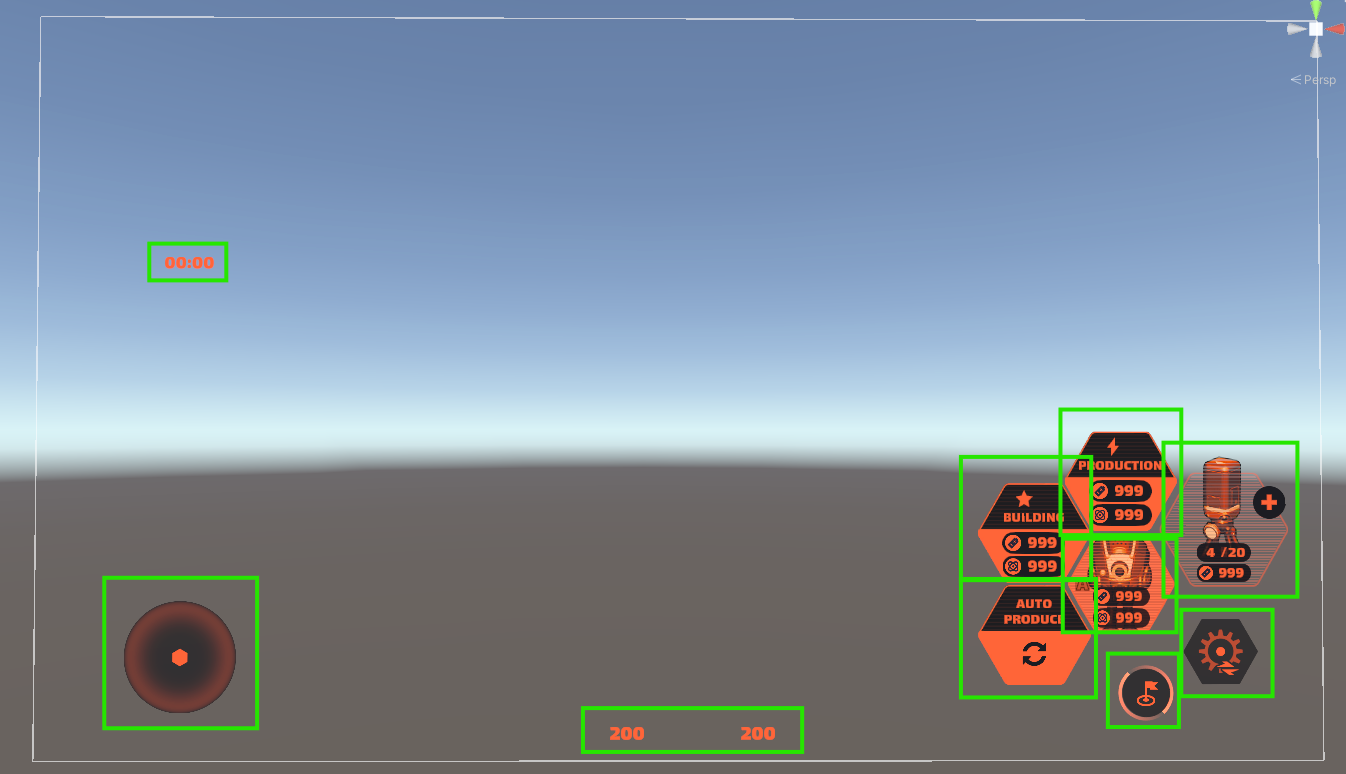
In this work, instead of indiscriminately splitting every UI, the Canvas-splitting criterion was organized by areas with different change cycles — Static HUD / Dynamic HUD / fixed input UI / production UI / skill UI.
Problem
In the legacy structure, Static UI and Dynamic UI were operated on a single Canvas.
In this case, when frequently changing UI such as HP, production state, skill cooldowns, the minimap, or button states is updated, the fixed UI sharing the same Canvas can also be pulled into the Rebuild range.
In particular, since the RectTransform count had grown to about 12,979, even a small UI change had the potential to trigger a large Canvas Rebuild cost.
Goal#
The goal was to reduce the structure where the entire Canvas is unnecessarily rebuilt on UI changes.
- Separate Static UI and Dynamic UI Canvases
- Group UI by change frequency
- Separately manage UI with high pooling / activation frequency
- Split areas with different update characteristics — joystick, production, skills, unit UI
- Establish a minimum-separation criterion that accounts for the Draw Call increase caused by Canvas splitting
Implementation
- 01
Static UI Hud
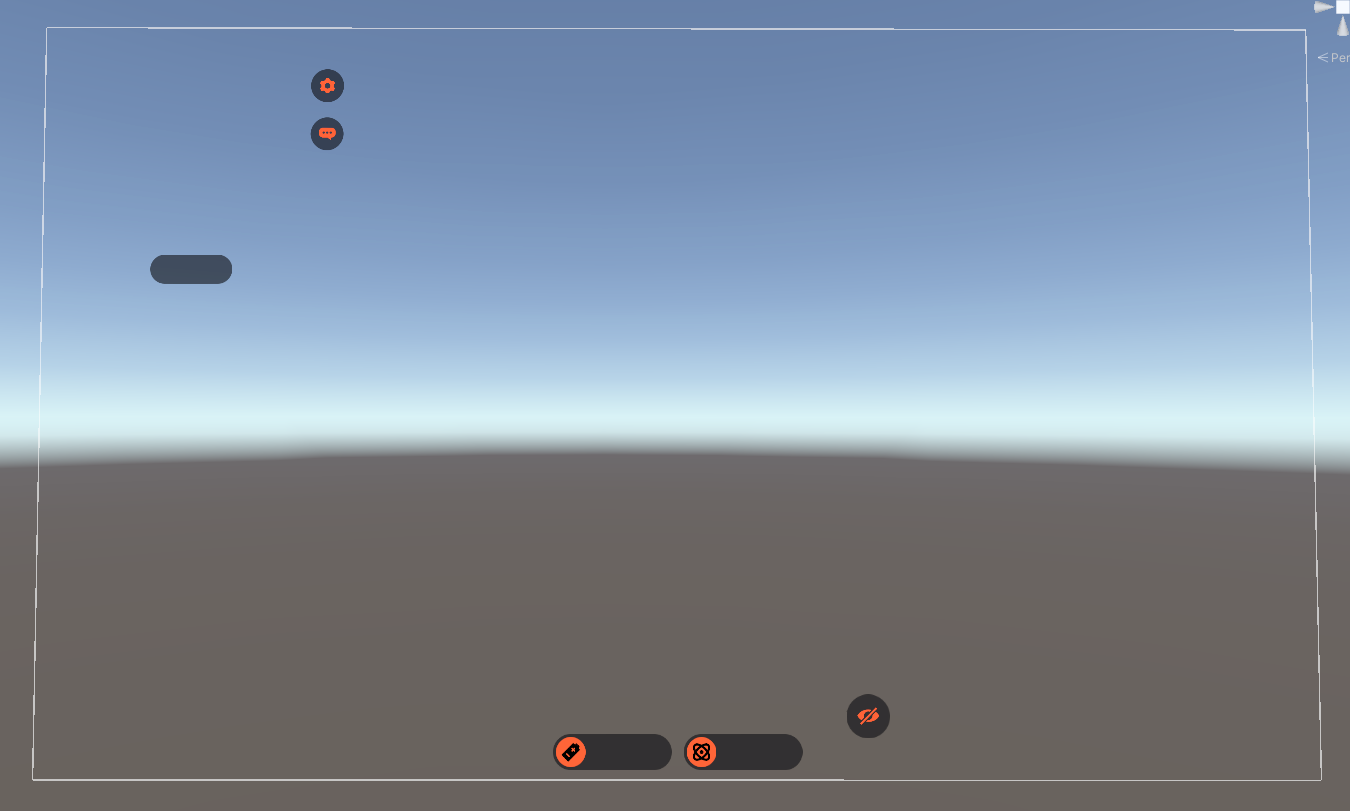
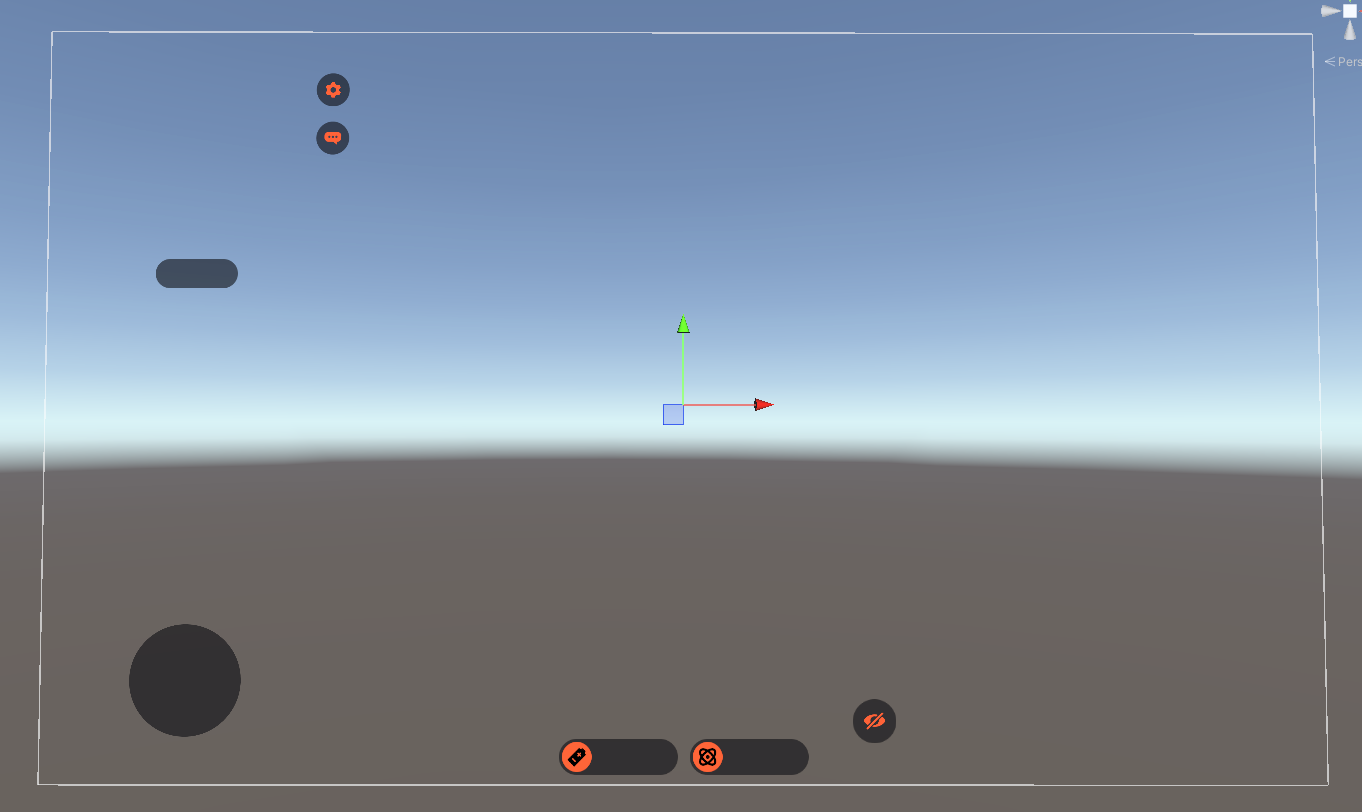
First, HUD elements that stay fixed on the screen were classified as Static UI.
Static UI is the area where layout barely changes and value updates or activation toggles are infrequent.
This area was kept off the same Canvas as Dynamic UI, so it would not be rebuilt alongside frequently-changing UI updates.Typical examples are fixed backgrounds, frames, and decorative HUD elements that remain on screen but rarely change.
- 02
Dynamic UI Hud
UI whose values change frequently — HP, resources, notifications, status indicators — was classified as Dynamic UI.
Dynamic UI updates text, gauges, icon states, and activation often, so placing it on the same Canvas as Static UI broadens the Rebuild range.
Therefore, frequently changing UI is split onto a separate Canvas, and within Dynamic UI the criterion was set to group elements with similar update cadence and screen position.
- 03
Static UI Dynamic UI
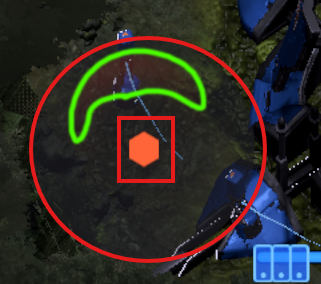
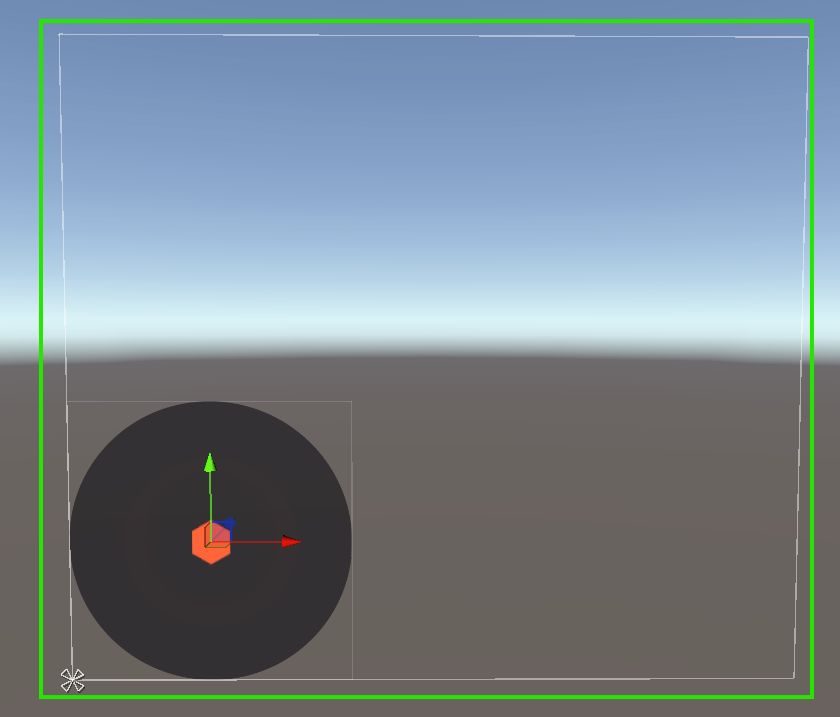
UI like a joystick — fixed on screen but whose inner elements move with input — has the characteristics of both Static UI and Dynamic UI.
Unchanging elements like the background or frame are kept closer to the Static area, while handles / direction indicators that move or update with input were considered for separation into the Dynamic area.
Doing so reduces the entire input UI from being rebuilt over a large range every time, limiting the rebuild target to only the elements that actually change.
- 04
Unit
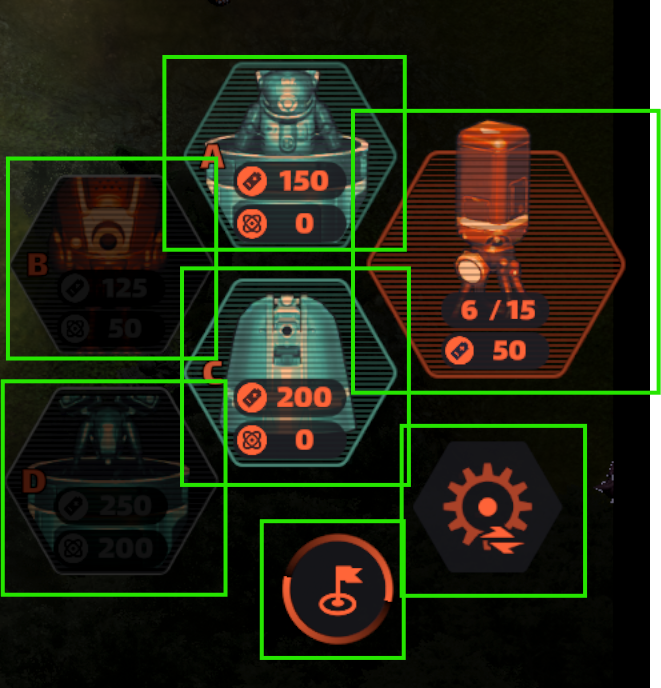
Unit-related UI has many elements that change frequently with game state — selection state, HP, production state, target indicators, etc.
This area has to be managed together with pooling, so beyond simply splitting Canvases, the spawn / deactivation / reuse flow had to be considered as well.
Unit UI was separated from the Static HUD, and elements updated during combat were grouped together and managed via a dedicated Canvas or pooling group.
- 05
Production
Production UI is an area where value updates can happen frequently — queue state, progress, button enablement, cost display, etc.
If such UI is included on the same Canvas as the Main HUD, production state changes can trigger a full HUD Rebuild.
Production UI was classified as Dynamic UI with high change frequency, and a separate Canvas configuration was considered with the update timing in mind.
Conclusion
Rather than grouping UI by screen area, I organized the structure to separate it by change frequency and interaction.
- Establish a criterion for splitting Static UI vs Dynamic UI
- Classify frequently-updated HUD elements as Canvas-split candidates
- Group UI with differing update characteristics — joystick / unit / production / minimap / skill window
- Account for the Draw Call increase from Canvas splits, so the split is based on change frequency rather than arbitrary subdivision
This work is not about splitting UI a lot, but about structural analysis to balance Rebuild cost against Draw Call growth.
Tradeoffs & Future Work
Tradeoffs
- Adding more Canvases breaks batching and can increase Draw Calls, so the approach of unconditionally splitting every UI into its own Canvas is not appropriate.
- In this work, the split was based on change frequency, interaction, whether items are pooled, and update timing — not on screen location.